
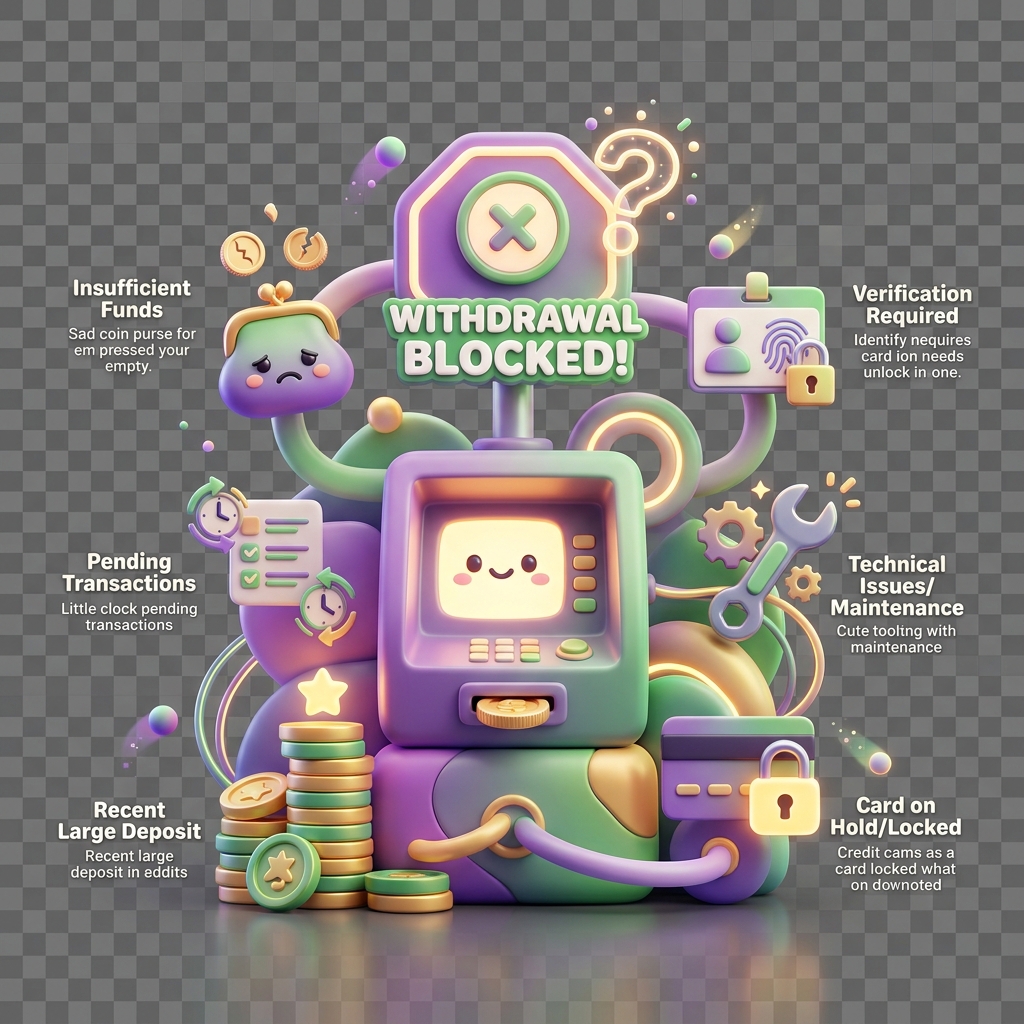
Why a withdrawal is blocked
Withdrawals on KiddyCash can fail silently or surface a hard block depending on the underlying cause. This article walks through the symptoms, root causes, and remediation steps for blocked withdrawals on the business portal.
Symptoms
You may be dealing with a blocked withdrawal if you observe any of the following:
- The Withdraw button on your business withdrawal page is greyed out or disabled.
- A withdrawal submission returns a
WITHDRAWAL_BLOCKED,LIMIT_EXCEEDED, orACCOUNT_NOT_ELIGIBLEerror. - The withdrawal form accepts input but the request never leaves a
pendingstate (see why a transaction stays pending too long for pending-specific behaviour). - mobile money or bank transfer confirmations are not delivered despite a seemingly successful submission.
Causes
Withdrawal blocks fall into three categories: verification state, limit violations, and account configuration issues.
1. Verification not complete or rejected
KiddyCash enforces KYB (Know Your Business) checks before enabling withdrawals. If your business document submission was flagged — for example, an expired certificate of incorporation or a mismatch between the registered business name and the mobile money till owner — the withdrawal pipeline is suspended at the compliance layer.
Review why verification gets rejected for the full list of document and identity failure reasons. A partially verified account (e.g. email confirmed but KYB pending) will pass some UI checks but fail at the withdrawal execution stage.
2. Limit violations
KiddyCash enforces both daily and rolling 30-day withdrawal limits, which vary by account tier:
| Tier | Daily limit (your local currency) | 30-day limit (your local currency) |
|---|---|---|
| Starter | 50,000 | 300,000 |
| Growth | 250,000 | 2,000,000 |
| Enterprise | Custom | Custom |
Attempts to withdraw above these thresholds return a hard block. Limits reset at 00:00 your local timezone. If your business is operating across a school fee collection campaign or a high-volume allowance disbursement cycle in your city or another major hub, you may hit rolling limits faster than expected.
3. Account state issues
The following account-level conditions also block withdrawals:
- Suspended account — triggered by a compliance review, a disputed transaction, or a failed subscription renewal.
- No verified payout destination — the linked bank account or mobile money number has not been confirmed or has been removed. Recent changes to bank integration behaviour are covered in what’s new in bank integrations in KiddyCash.
- Pending dispute or chargeback — funds involved in an open dispute are locked until resolution.
- Negative balance or fee arrears — outstanding platform fees block net withdrawals.
Solutions
-
Check verification status. Go to your withdrawal page and look for a verification banner. If KYB is incomplete, resubmit the required documents. Use the rejection guide at why verification gets rejected to preempt common rejections.
-
Audit your withdrawal history against your tier limits. Sum your outgoing withdrawals for the current day and rolling 30-day window. If you are near or over the limit, wait for the reset or contact support to request a tier upgrade.
-
Confirm your payout destination is active. Navigate to Settings → Payouts and verify that your mobile money number or bank account shows a
verifiedbadge. The architecture behind payout routing is explained in detail in a closer look at bank integrations in KiddyCash. -
Resolve open disputes or arrears. Check Transactions → Disputes for any open items. Fee arrears appear under Billing.
-
Contact support with your
business_idand the exact error code if none of the above resolves the block. Include the timestamp of the failed attempt in UTC.