
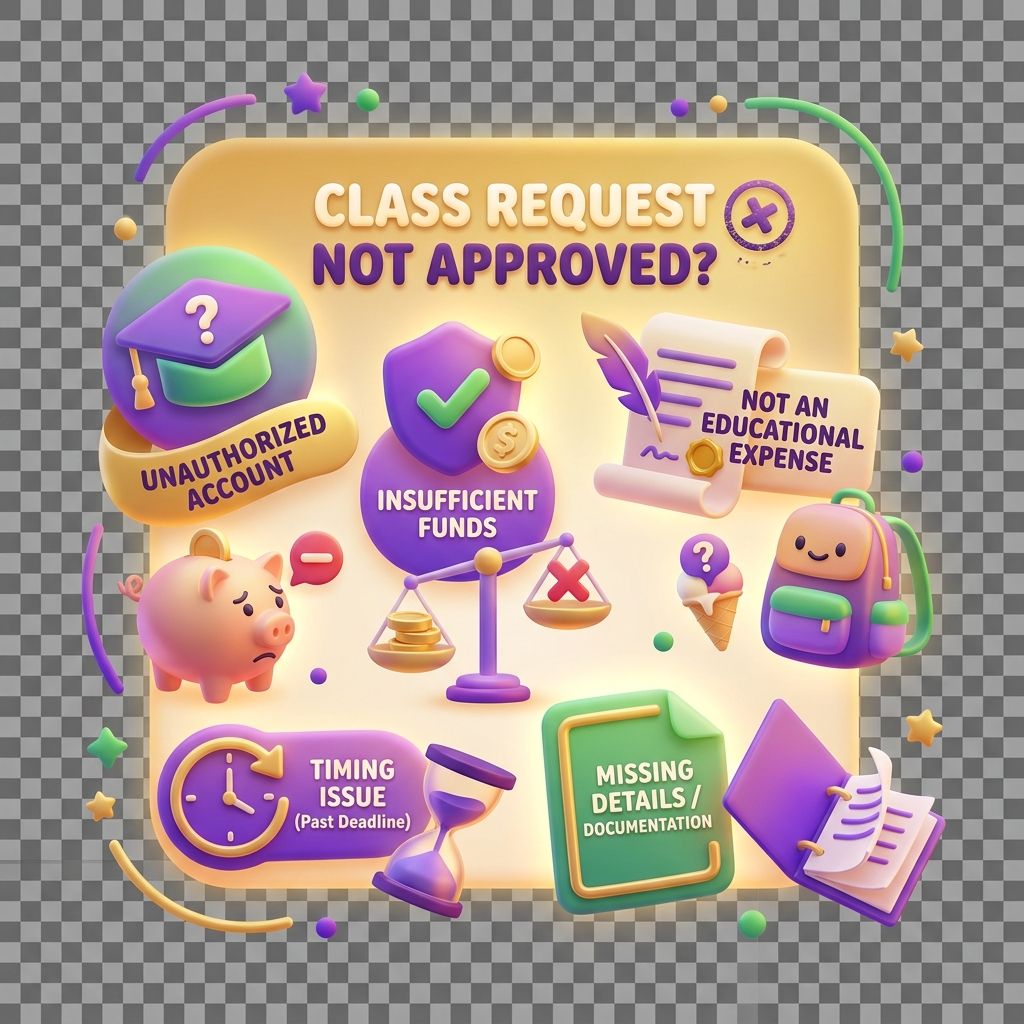
Why a school class request is not approved
When a class enrolment request stalls in the Schools portal, it usually isn’t random. KiddyCash runs a series of automated checks before approving any class, and each check has a specific failure mode. Here’s how to read the signals and fix the problem fast.
Symptoms
You’ll typically see one or more of these in the portal:
- The request status is stuck on Pending Review or switches to Rejected without a clear reason shown in the UI
- A banner appears on the class request detail page noting “Action required” but with no inline instructions
- Approval emails are not arriving for parents despite the class showing as submitted
- The request reappears in your queue after you thought it was resolved
To inspect the current state of a specific request, navigate directly to:
https://schools.kiddy.cash/school/:school_id/request/:school_class_request_id
Replace the IDs with your actual school and request identifiers from the portal dashboard.
Common causes
1. School KYB is incomplete or flagged
KiddyCash requires school-level Know Your Business (KYB) verification before any class request can be approved. If your school profile is under review, pending additional documents, or was previously flagged, all downstream class requests will be blocked. This is separate from the KYC checks run on individual family accounts — a clean family profile won’t unblock a stalled class if the school entity itself hasn’t cleared verification. See why verification gets rejected for the specific documents and edge cases that trip up this step most often.
2. Bank integration issues
Class enrolments in KiddyCash are tied to fee collection flows, and if your linked bank or mobile money account isn’t resolving correctly, the system won’t approve the class. This is especially relevant for schools collecting fees via mobile money in many markets, where paybill configurations need to match the school’s registered your local currency account exactly. A mismatch — even a minor one like a wrong account reference — will silently fail the integration check. For background on what’s changed recently, read what’s new in bank integrations in KiddyCash, and for a deeper technical breakdown, see a closer look at bank integrations in KiddyCash.
3. Duplicate class reference
If a class with the same name and academic year already exists — even in a soft-deleted or archived state — the system will reject a new request for it. This catches accidental re-submissions but also bites you if a previous term’s class was never properly closed out.
4. Pending transactions on the class
A class with unresolved fee transactions can block the approval of a new or updated enrolment request. If families were partially billed in a previous cycle and those transactions never settled, the class is considered financially unresolved. This overlaps with a broader platform behaviour explained in why a transaction stays pending too long.
How to fix it
- Check your school’s KYB status first. Go to School Settings → Verification. If anything is flagged, resolve it before retrying the class request.
- Validate your bank integration. Confirm your mobile money paybill or bank account details are correctly mapped under School Settings → Payments. Re-save even if nothing looks wrong — this forces a fresh validation pass.
- Search for duplicate classes. Use the class list view with the “Include archived” filter enabled. If a duplicate exists, rename or permanently delete it before resubmitting.
- Resolve pending transactions. Pull the transaction report for the affected class and chase down any items sitting in a pending state. Contact KiddyCash support with the transaction codes if any are stuck on the platform’s side.
- Resubmit the request. Once underlying issues are cleared, resubmit from the request detail page. The system re-runs all checks from scratch.