
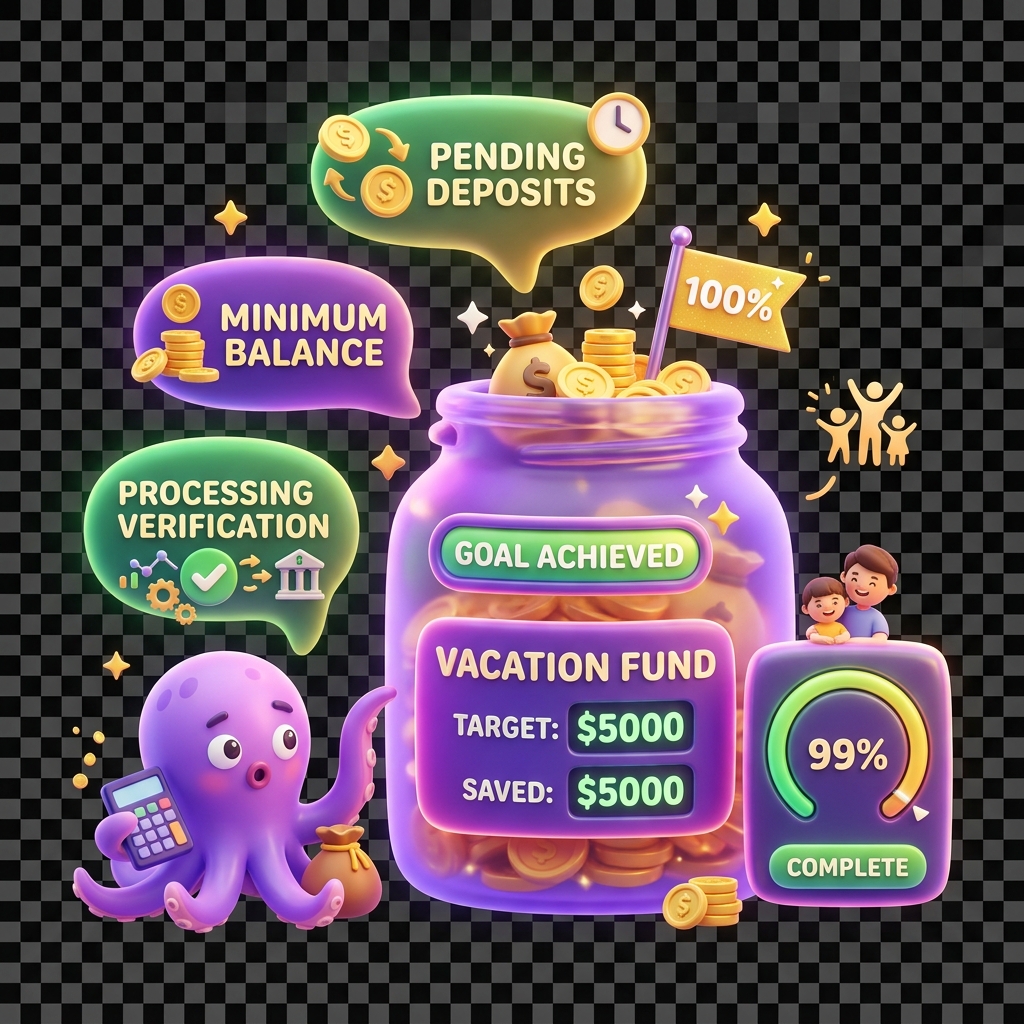
Why a savings goal is not completing after the target is reached
A savings goal in KiddyCash can reach its target amount and still remain in an active state — showing full progress but never transitioning to Completed. This is a known edge case that affects goals tied to specific wallet configurations, delayed transactions, or sync timing issues.
Symptoms
- The goal progress bar shows 100% or displays the target amount as met
- The goal status remains Active instead of Completed
- No completion badge is awarded to the child
- The goal card does not disappear from the active goals list
- Funds remain locked or earmarked under the goal rather than being released to the child’s wallet
Causes
Several conditions can prevent automatic goal completion, even when the target balance is nominally reached:
-
Pending or uncleared transactions — A contribution made via mobile money or another mobile money provider may show as received on the parent’s side but sit in a pending state on the KiddyCash ledger. The goal engine only counts settled balances toward completion.
-
Rounding and currency precision mismatches — Goals denominated in your local currency can fail to complete if the stored target value (e.g., the equivalent of 5,000 in your local currency.00) does not exactly match the accumulated balance due to floating-point rounding across multiple small contributions.
-
Goal configuration with an end date that has not yet passed — If the goal was created with both a target amount and a target date, KiddyCash waits for both conditions to be satisfied before marking completion. A goal with a future end date will not complete early, even if the amount is fully funded.
-
Wallet or family account in a restricted state — If the child’s wallet has a KYC flag, a frozen status, or a pending parental approval action, the goal engine pauses completion until the account returns to a clean state.
-
Contribution made outside the linked goal — Funds deposited directly into the child’s wallet — rather than explicitly assigned to the goal — do not count toward the goal balance, even if the wallet total exceeds the target.
Solutions
Step 1: Check the goal detail view
Navigate directly to https://kiddy.cash/family/goals/{goalId} (replace {goalId} with the actual goal ID from your goals list). Review the Contributions tab to confirm all transactions show a Settled status. If any show Pending, wait 24–48 hours for mobile money reconciliation to complete.
Step 2: Verify the goal end date
On the same goal detail screen, check whether a target date is set. If the goal has a future end date and you want it to complete now, edit the goal and either remove the end date or set it to today’s date. Save the change and allow up to 5 minutes for the goal engine to re-evaluate.
Step 3: Resolve any account restrictions
Check your family dashboard for any KYC prompts, pending approvals, or flagged wallets. Completing outstanding verification steps will unblock the goal completion engine.
Step 4: Reconcile contributions made outside the goal
If funds were added directly to the child’s wallet rather than through the goal, open the goal detail view and use the Add Manual Contribution option to log an equivalent amount against the goal. Do not double-count — only add the difference between the goal’s recorded balance and the actual target.
Step 5: Force a goal status refresh
On the goal detail screen, tap the overflow menu (⋮) and select Refresh Goal Status. This triggers a manual re-evaluation by the goal engine. If the status does not update within 10 minutes, contact KiddyCash support with your goalId and the child’s wallet reference.
Related articles
why-goal-contributions-show-as-pendinghow-to-edit-or-close-a-savings-goalkyc-requirements-for-child-walletshow-allowances-interact-with-savings-goals